iDecide reads the location from the IP address of whatever device is watching, at the moment it is watching. It is not pulled from anything you typed into the contact record, and it updates every time the presentation is played.
Why you see your own city when you test #
If you open a link you generated for a contact, the location shown is yours, because you are the one watching. When your contact opens their link on their own device, they see their own location.
Why it sometimes shows a neighboring city #
- Every device has an IP address, and that is what tells our system where the viewer is.
- Internet providers, servers and browsers often blur the exact location to protect privacy. Every website that uses IP based location has this same limitation.
- Mobile phones off Wi-Fi are the least precise, because the IP can point at a whole region rather than a town.
Two examples #
- Open five different links from the same phone and all five show the same location, because the phone has the same IP each time.
- Five different people opening their own links from their own devices each see a location based on their own IP.
Even if you and your viewer are in the same town, their reading will differ from yours, because their device and network are different.
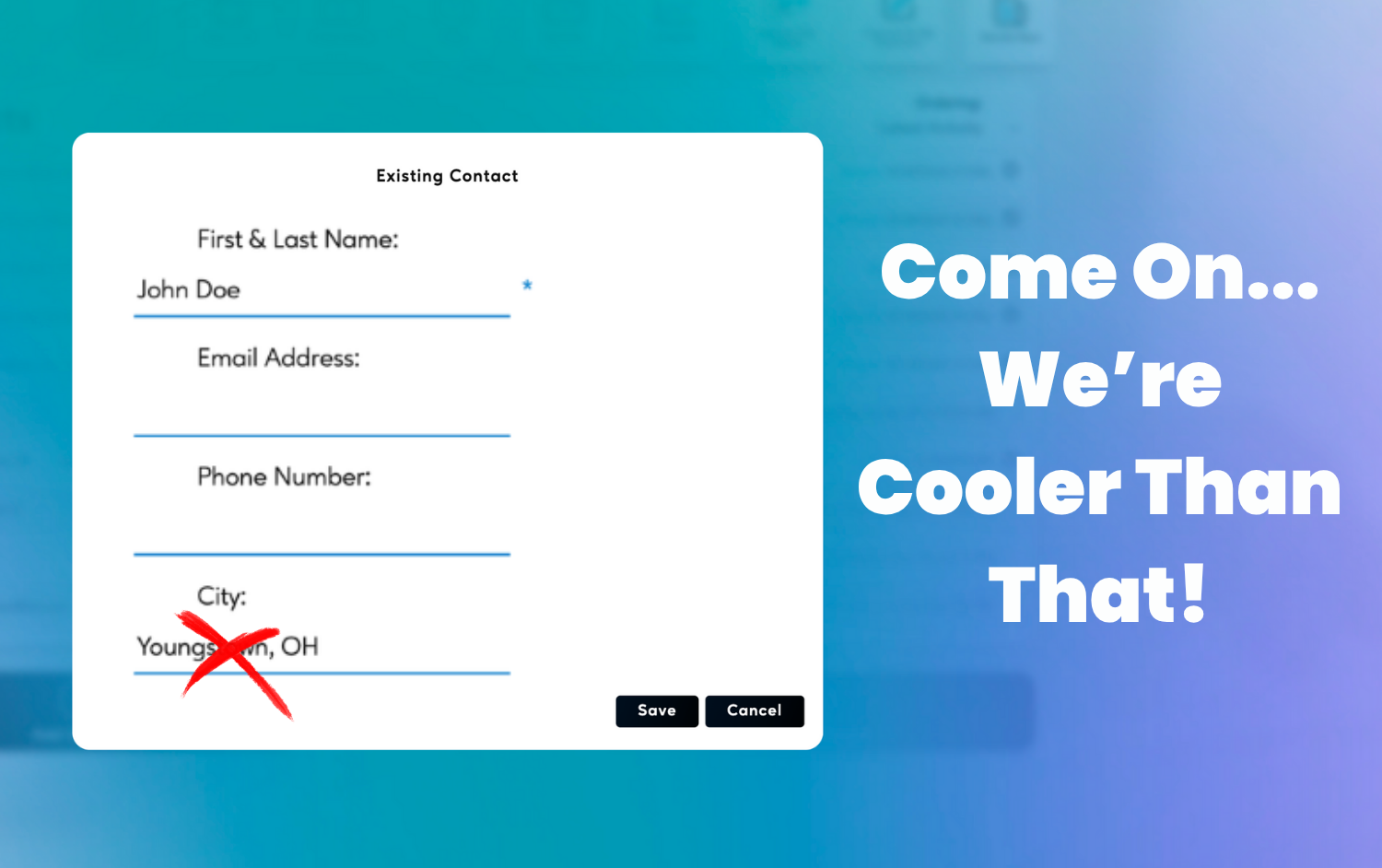
Tip: Do not judge location accuracy from your own test. Send a real link to a real prospect. We are always working to make location services more accurate.