A Lead Capture link is one generic link anyone can open. Each viewer enters their own name and email before watching. We personalize the presentation with their name and automatically add them to your contact list. Use it for social media, landing pages, business cards, or anywhere more than one person will see the same link.
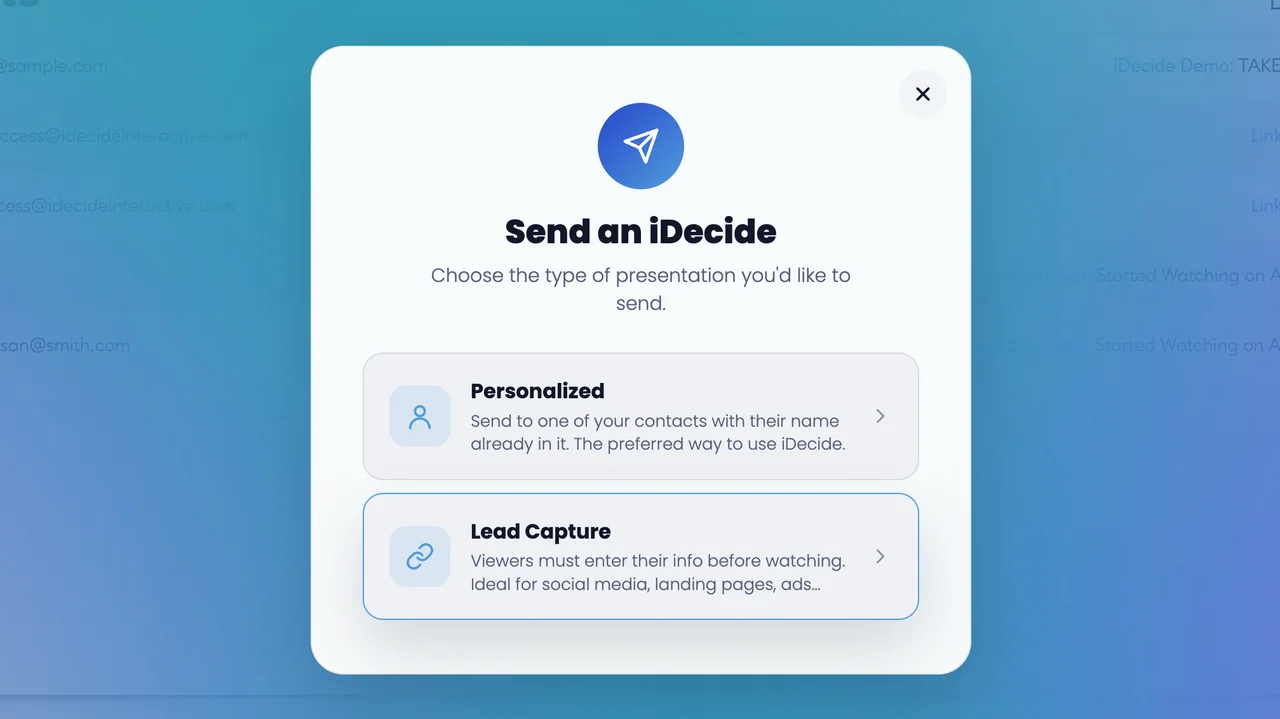
Steps #
- From your dashboard, click Send an iDecide.
- Choose Lead Capture.
- Pick your Presentation from the dropdown.
- Click Next and give it a moment while your link is created.
- Choose how you want to hear about views: Send me email updates or Send me mobile updates. Mobile requires the iDecide app.
- Share your generic link on any platform.
Ways to share #
Once your link is ready, scroll down the panel. All four options sit on the same screen, so share it whichever way fits your audience:
Share your presentation on Facebook posts it straight to your feed.
Copy link
copy to clipboard, under the address, copies the link to paste anywhere.
Embed
Embed Your Presentation gives you code to drop the presentation into a web page.
QR code
Download the QR Code for print, business cards, or slides.
Good to know: because every viewer types in their own info, open rates run lower than a Personalized link. Add a short note that their info is private and they are about to see something interactive.
Sending to one specific person you already know? See Sending a Personalized Link.