- Intros*
- Closes*
- Menus
- Text
- Button Interactions
- Sliders
- Logo Reveals
- Other Cool Stuff (Literally!)
- AND MUCH MORE
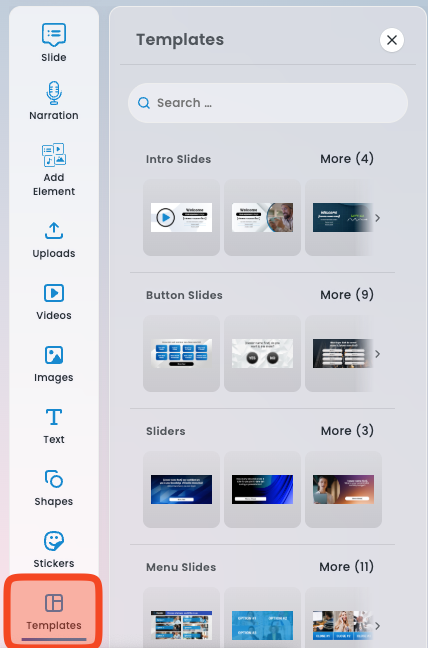

Intro Slides #
Like every great essay or presentation, you will need an introduction. This is the welcome screen your viewers will see when they first click on your presentation link. An Intro slide is automatically added to every presentation. This slide can be edited or replaced with another Intro slide template, but can not be deleted. Pro Tip: To capture their attention we highly recommend putting their name on the screen using the Add Personalization Button on the slide editor screen.-
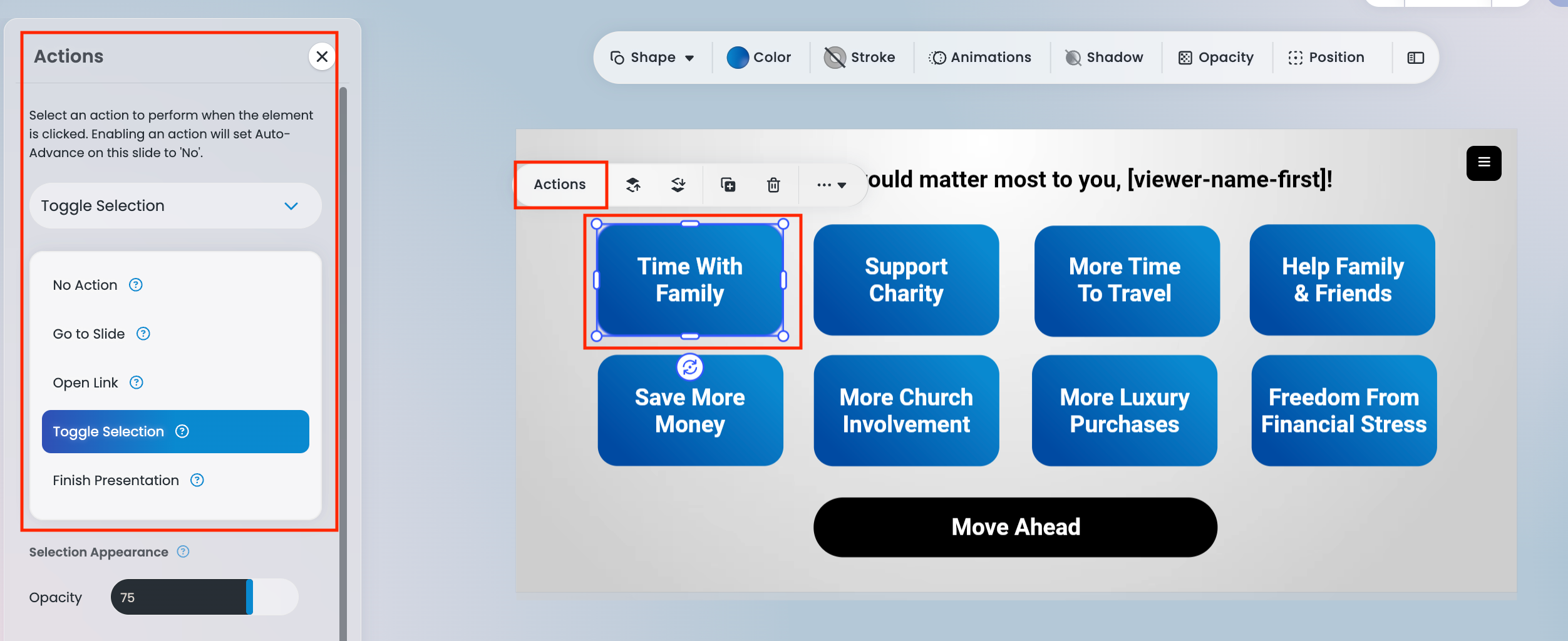
No Action: Clicking the button will not trigger any action.
-
Go to Slide: Choose which slide the presentation should advance to when the button is clicked.
-
Open Link: Enter the URL you want viewers to be directed to.
-
Toggle Selection: Allows the button to toggle on and off. When enabled, you can adjust the button’s opacity and brightness.
-
Finish Presentation: Ends the presentation for the viewer. When selected, you can set the Final Outcome Title, Final Outcome Notification, and choose a Final Action (such as opening a link or navigating to a Thank You slide).
- When editing a button slide, delete the button text and insert an image with logo(s) or product pictures embedded. We recommend using a 3rd party software such as Adobe Photoshop. You can use our image editor to adjust your image size and placement.
Interactive Sliders #
Our Interactive Slider slides let the viewer drag the button to their choice, then click to move ahead. You can choose between 3, 5, and 7 ticks on the slider, all of which you can add custom text to. Great question examples to use here are: “How much would your income need to grow to have the lifestyle you want?”“What percentage of human pollution contributes to global warming?”“How many people do you think you can bring onto your team?”
Menu Slides #
Menu Slides are often the most complex slide type because they act as the “nexus” of your presentation. Think of them as a fork in the road, giving viewers the ability to choose where they want to go and what content they want to explore. The goal is to provide enough options so viewers can focus on what interests them most, helping maintain engagement and avoid unnecessary content — just be careful not to overwhelm them with too many choices.
Like all other slide types, the text and imagery on a Menu Slide can be fully edited. Menu Slides also function the same way as Button Slides.
Important Note:
Be sure to guide your audience back to the Menu Slide by setting the final slide of each section to return to the Menu using the Next Slide or Button Action fields. This will automatically send viewers back to the Menu after they finish a section, allowing them to select another topic to explore.

Text Slides #
Text slides are a great way to add emphasis and inflection to your presentation. When paired with a voiceover, they help capture attention and add meaning to your message. By placing keywords and phrases on screen, you naturally highlight your most important points and reinforce what viewers are hearing. Pair your text with powerful background imagery to give your presentation an extra “oomph” and make your message even more memorable.
Other Cool Stuff #

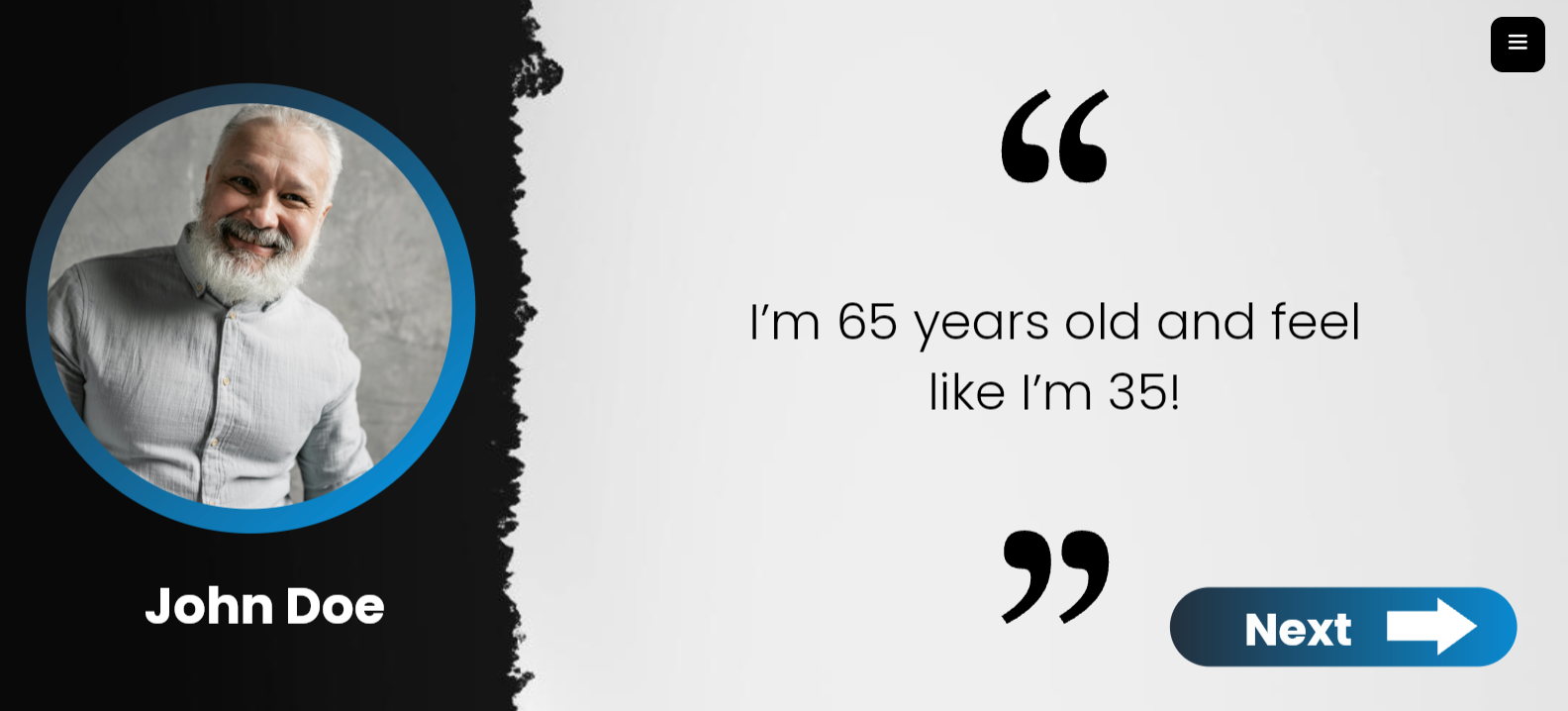
Closing Slides #
Congratulations, you're at the home stretch! Every presentation must end with at least one closing slide, but you can add multiple if you'd like! Each option will text or email the sender a notification when the viewer reaches that point so you know when and how to follow up. We currently have 3 types of closings: 1.) Call to Action2.) Thank you3.) Contact Form Pro Tip: We recommend adding a 3 Button Slide w/ Header followed by add all 3 Closing options to make a Closing fork! Select the Button Targets on the 3 Button Slide to each closing option so the viewer can choose how they want to move forward.
Our Call to Action slide places a clear, clickable button on the screen that sends viewers directly to the URL of your choice. Beneath the button, you can add customized thank-you text along with the sender’s contact information for a personal touch.
This makes it easy for your audience to take the next step immediately, without needing to search for your website or wonder what to do next.


 Svenska
  English
  Français
  Deutsch
  Italiano
  Español de México
  ไทย
ไทย  简体中文
简体中文  繁體中文
繁體中文  香港中文
香港中文  Čeština
  Русский
  한국어
한국어  日本語
日本語  Türkçe
  Română
  Português
  Dansk
Dansk  Magyar
  Norsk bokmål
  Polski
  हिन्दी
  Tagalog