As an iDecide Affiliate you earn on the people you refer, and on the people they refer! You get tracked links, ready made marketing assets, and a dashboard showing clicks, sales and commissions.
Your links #
myiDecide link
Points at the myiDecide landing page. Send this to someone who wants to build their own presentations.
iDecide website link
Points at the main iDecide site. Send this to larger companies or someone who needs the bigger picture first.
Sub-affiliate link
A separate link for recruiting other affiliates onto your team. You earn a percentage of referrals your sub-affiliates make.
All of them already have your referral code tracking built in.
How referrals and sub-affiliates work #
Anyone who purchases through your referral link is tracked to you, and you earn commission on that sale. If one of your referred customers later becomes an affiliate, they are listed as your sub-affiliate and you earn on their sales in addition to your own.
The mistake that costs people money: if you sign someone up with your sub-affiliate link and they later purchase without using your referral link, they will not be counted as your customer. They have to buy through the referral link.
Your Affiliate Dashboard #
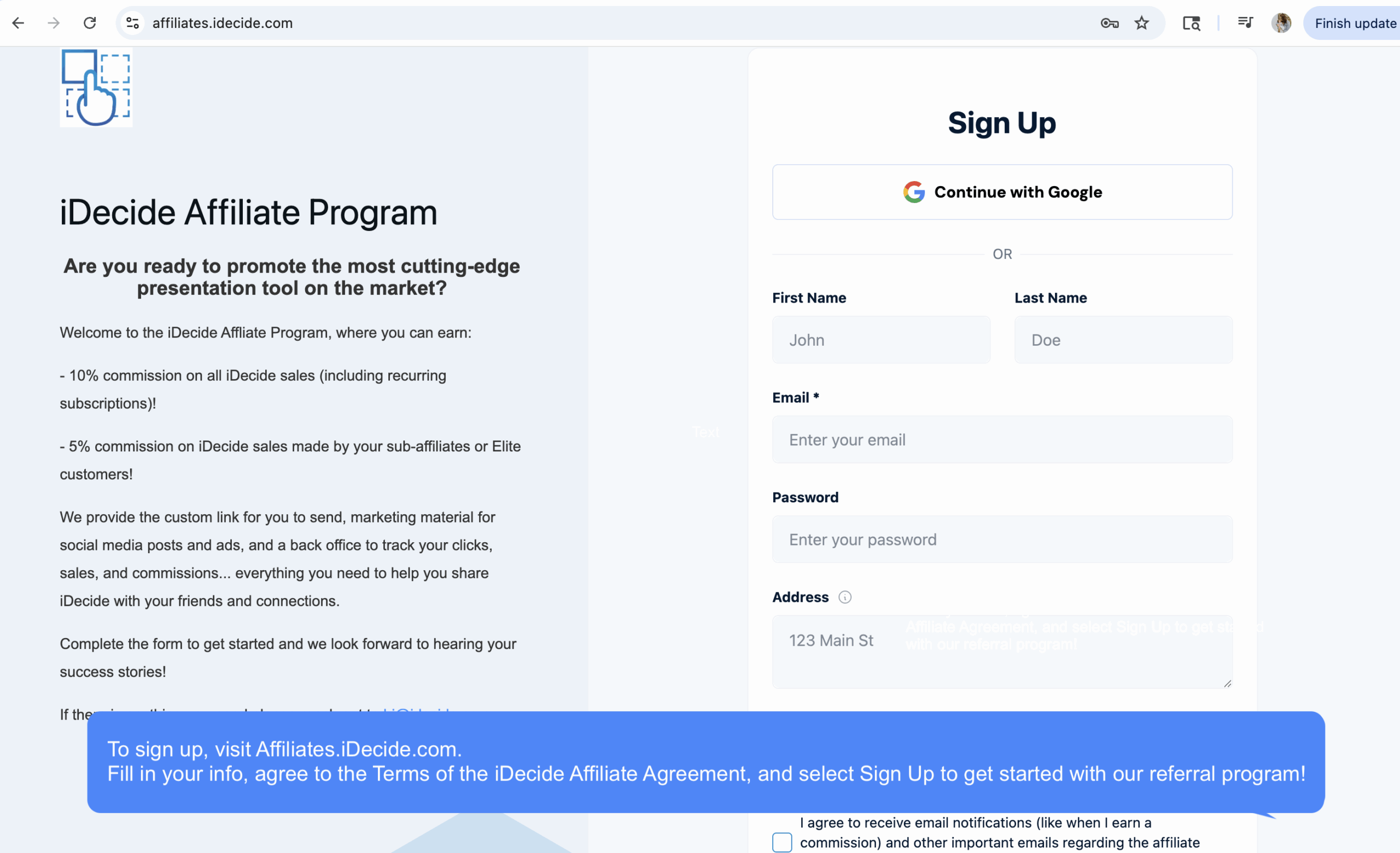
After you sign up and log in you get a dashboard with an overview of your earnings, your referral links, your referrals and sub-affiliates, and answers to common program questions.
Marketing assets #
The Assets tab holds pre built marketing material for promoting myiDecide. Copy the embed code and your unique referral link is already inside it.
One catch: individual images you download from the Complete Assets Folder do not carry your embed code. If you use those, you have to add your link yourself.
Tip: Lead with the referral link every time. The sub-affiliate link is for people who have already decided they want to sell, not for people still deciding whether to buy.