Some companies have their presentations configured to include the sender’s profile picture. You can add your profile picture to your iDecide account by logging into your Back Office, selecting Account, and clicking Change under the profile picture section. You will then be able to Drag & Drop or upload an image. 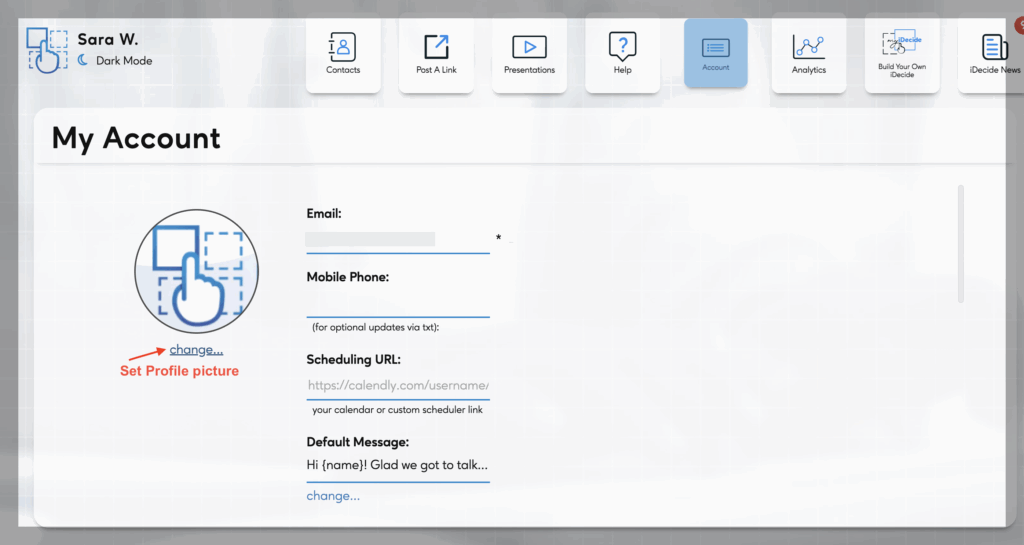
 Deutsch
  English
  Français
  Italiano
  Español de México
  ไทย
ไทย  简体中文
简体中文  繁體中文
繁體中文  香港中文
香港中文  Čeština
  Русский
  한국어
한국어  日本語
日本語  Türkçe
  Română
  Português
  Dansk
Dansk  Magyar
  Norsk bokmål
  Polski
  Svenska
  हिन्दी
  Tagalog